What is the latest version of Nangchen T. Studio Screen Recorder?
expand_more
The latest version is 0.3.0, released November 5, 2026, for Windows 10/11 and Macs with an M chip or Intel chip. It is completely free.
What is Nangchen T. Studio Screen Recorder?
expand_more
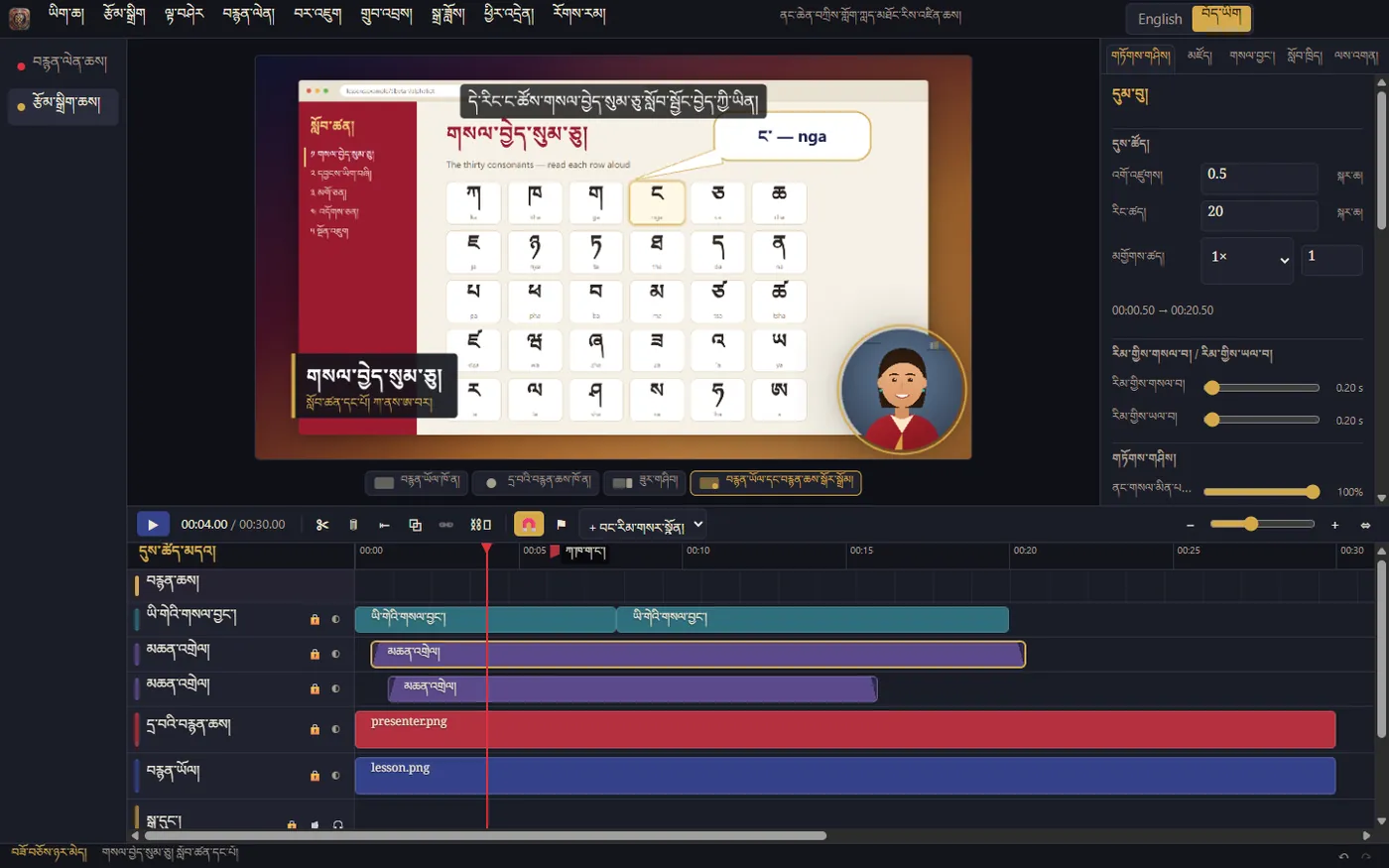
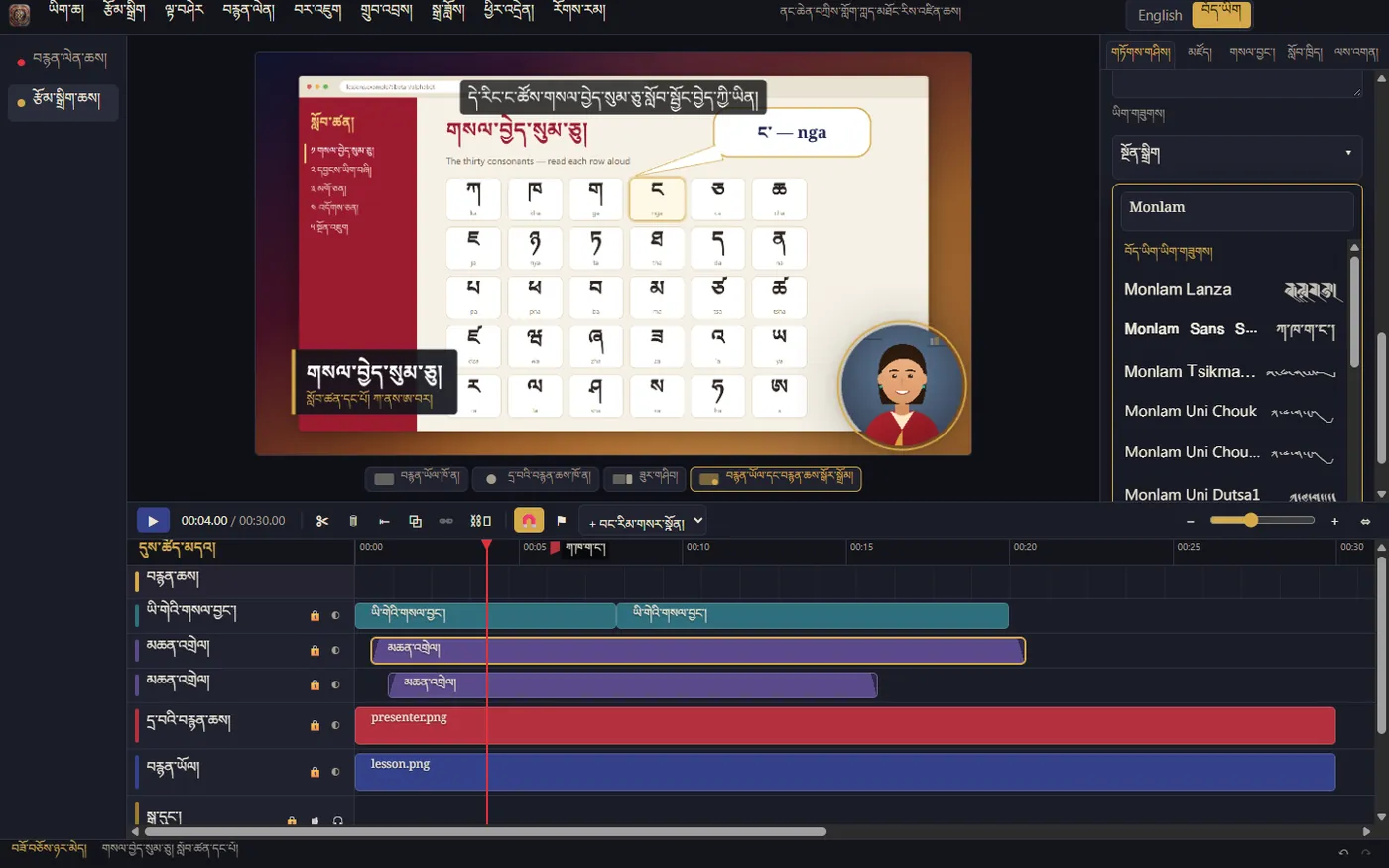
A free desktop app for Windows and Mac that records your screen, webcam, microphone and computer sound, then lets you edit the recording on a multi-track timeline and export a finished video. It is made for teachers and course creators, and the whole interface is available in Tibetan and English.
Is there a training video?
expand_more
Yes. Free step-by-step training videos (about 6 minutes each) are on this page, in Tibetan and in English. They show how to record your screen, edit the video, add text and music, narrate and export.
Watch them here.
Is it really free?
expand_more
Yes, it is completely free. If you would like to support future projects, you can buy me a coffee through PayPal.
What can I record?
expand_more
Your screen, webcam, microphone and system audio at the same time. Each one is saved as its own file and appears as its own lane on the timeline, together with cursor, click and keystroke data, so you can edit each part separately.
What can I do when editing?
expand_more
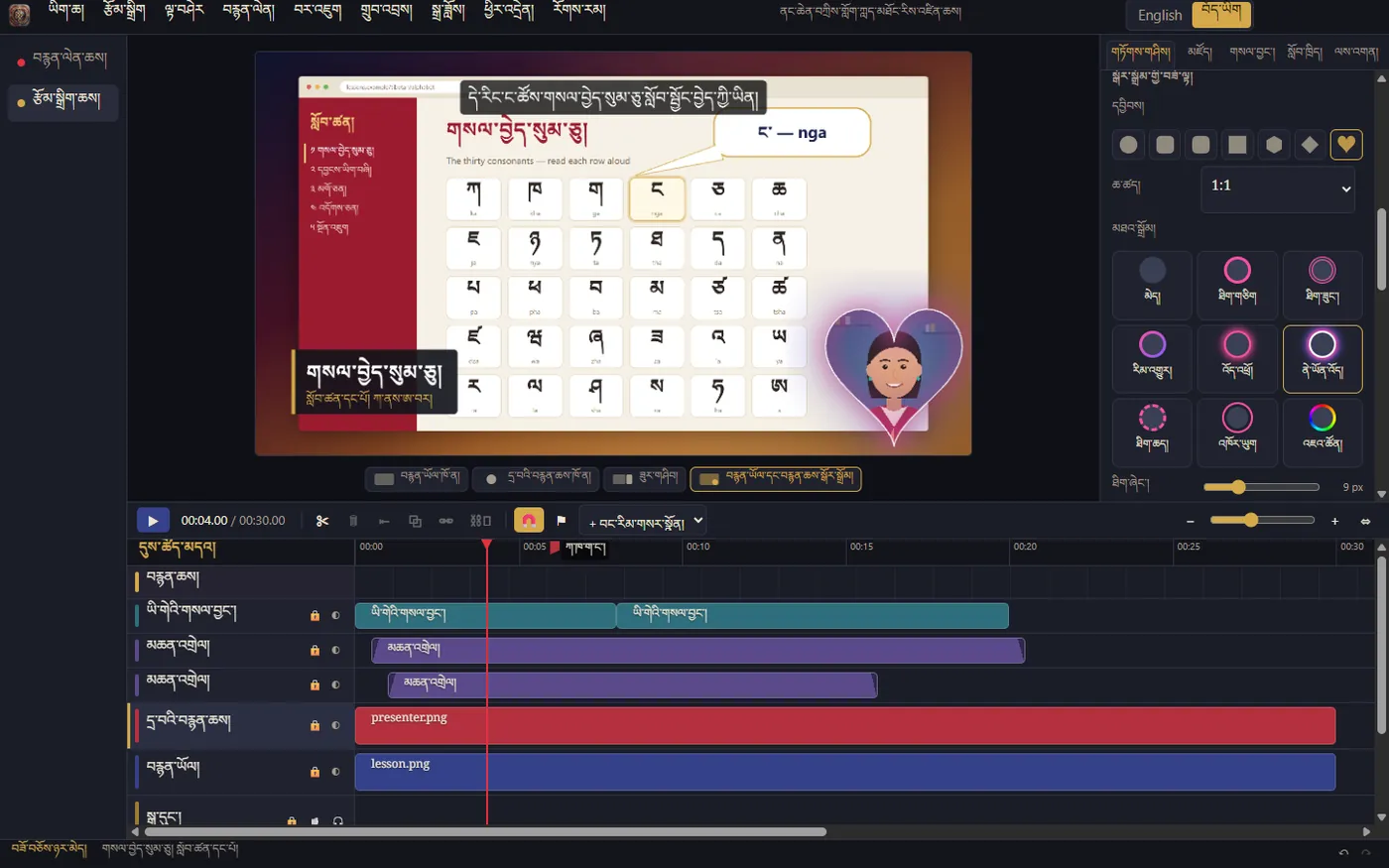
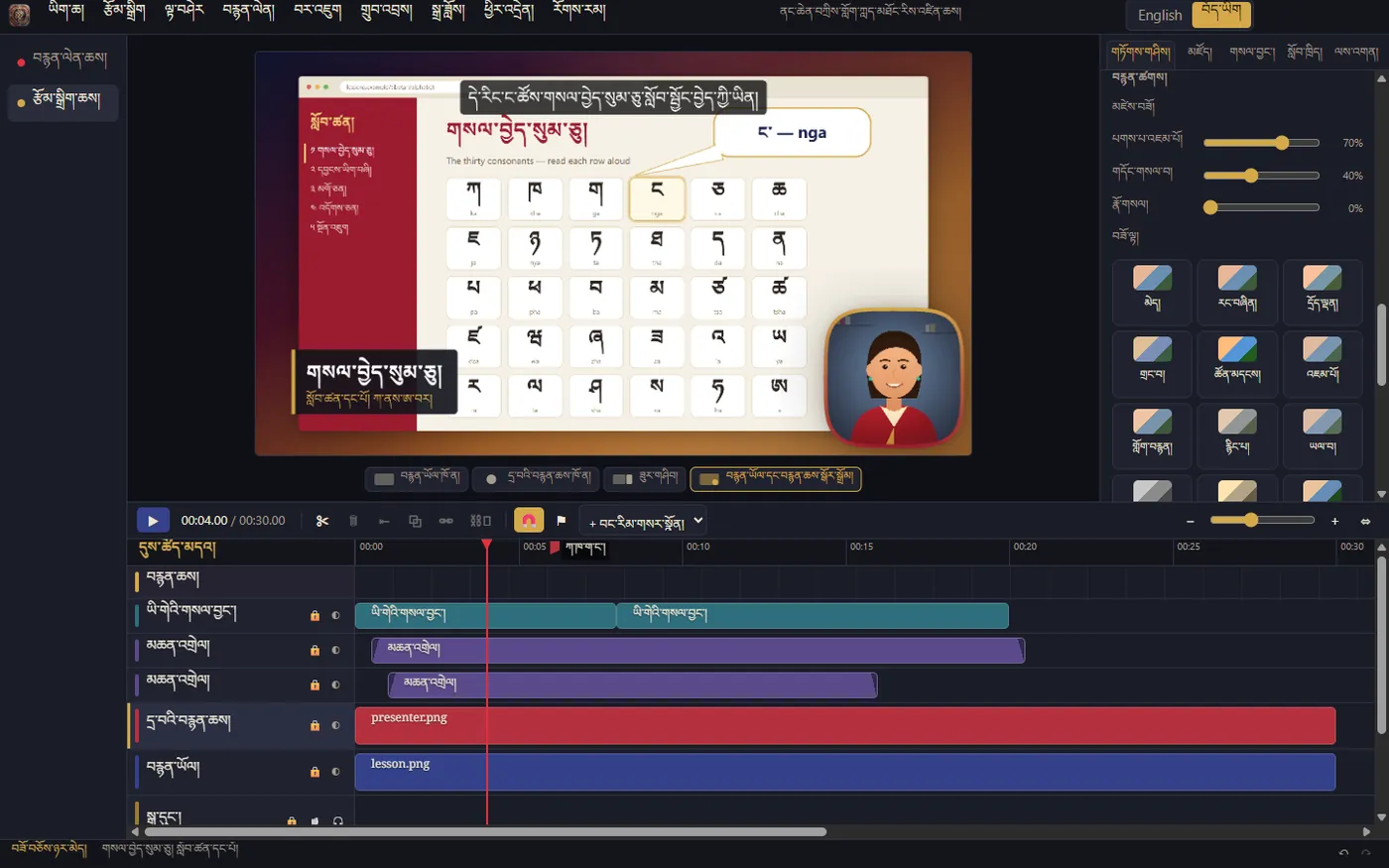
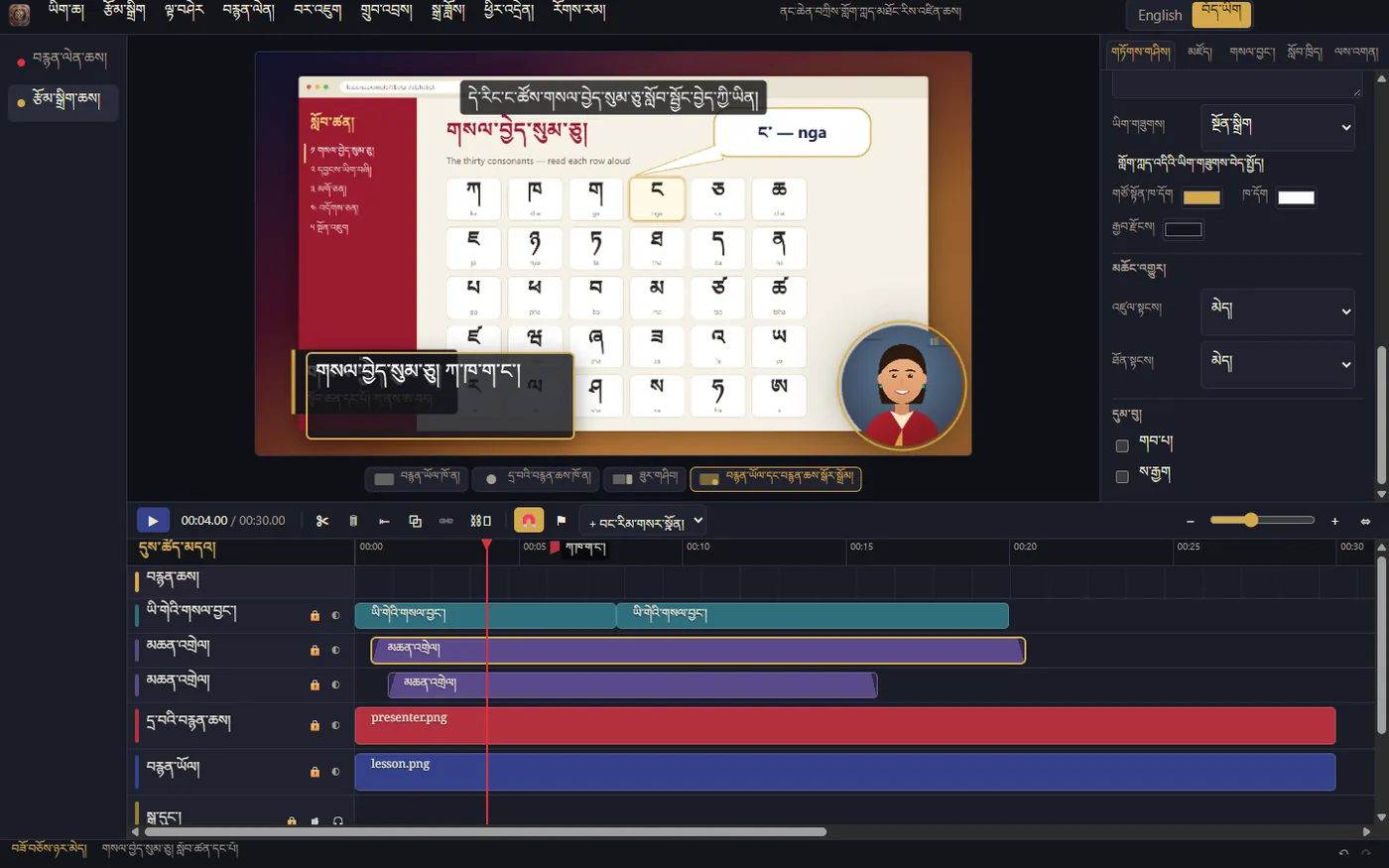
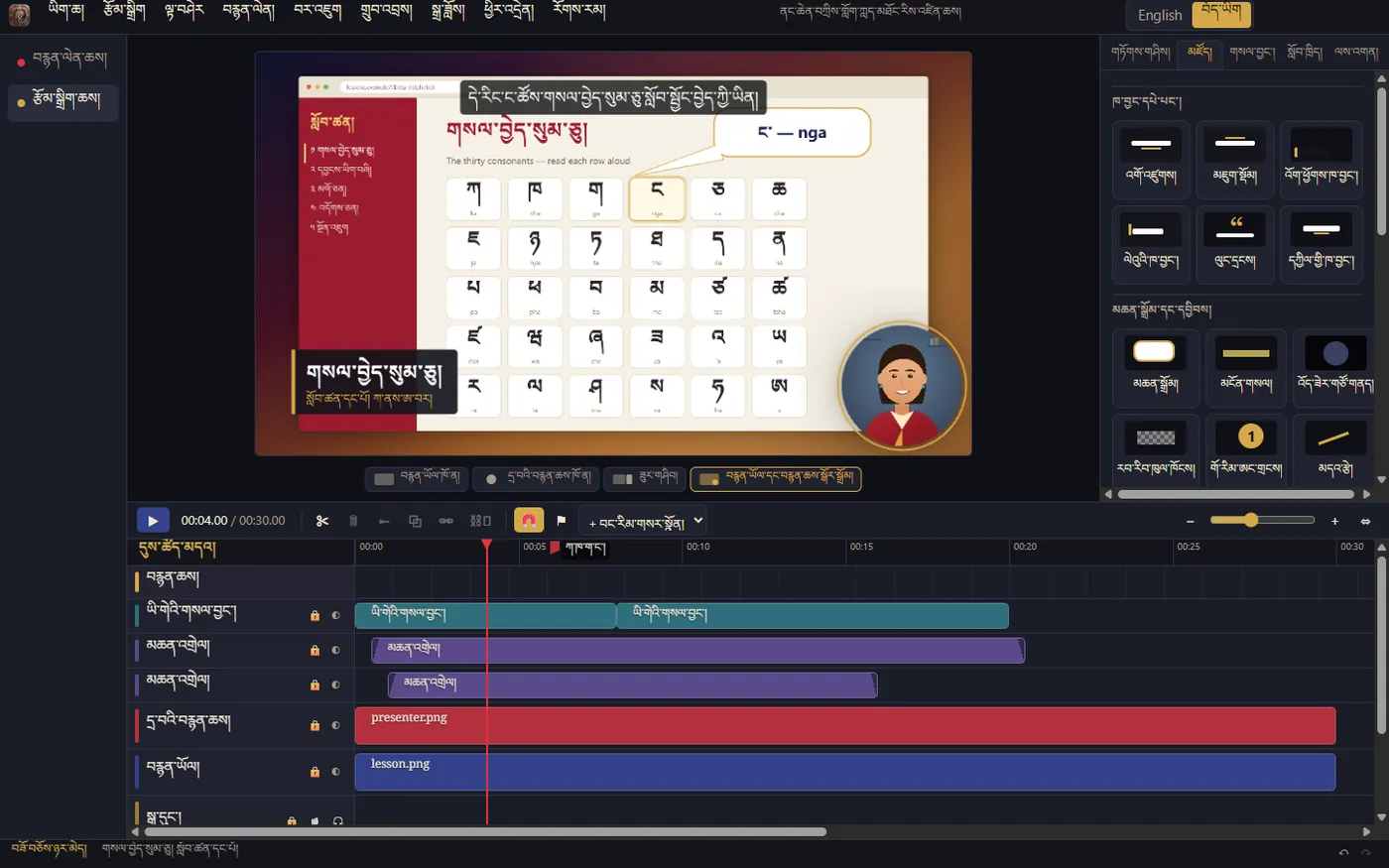
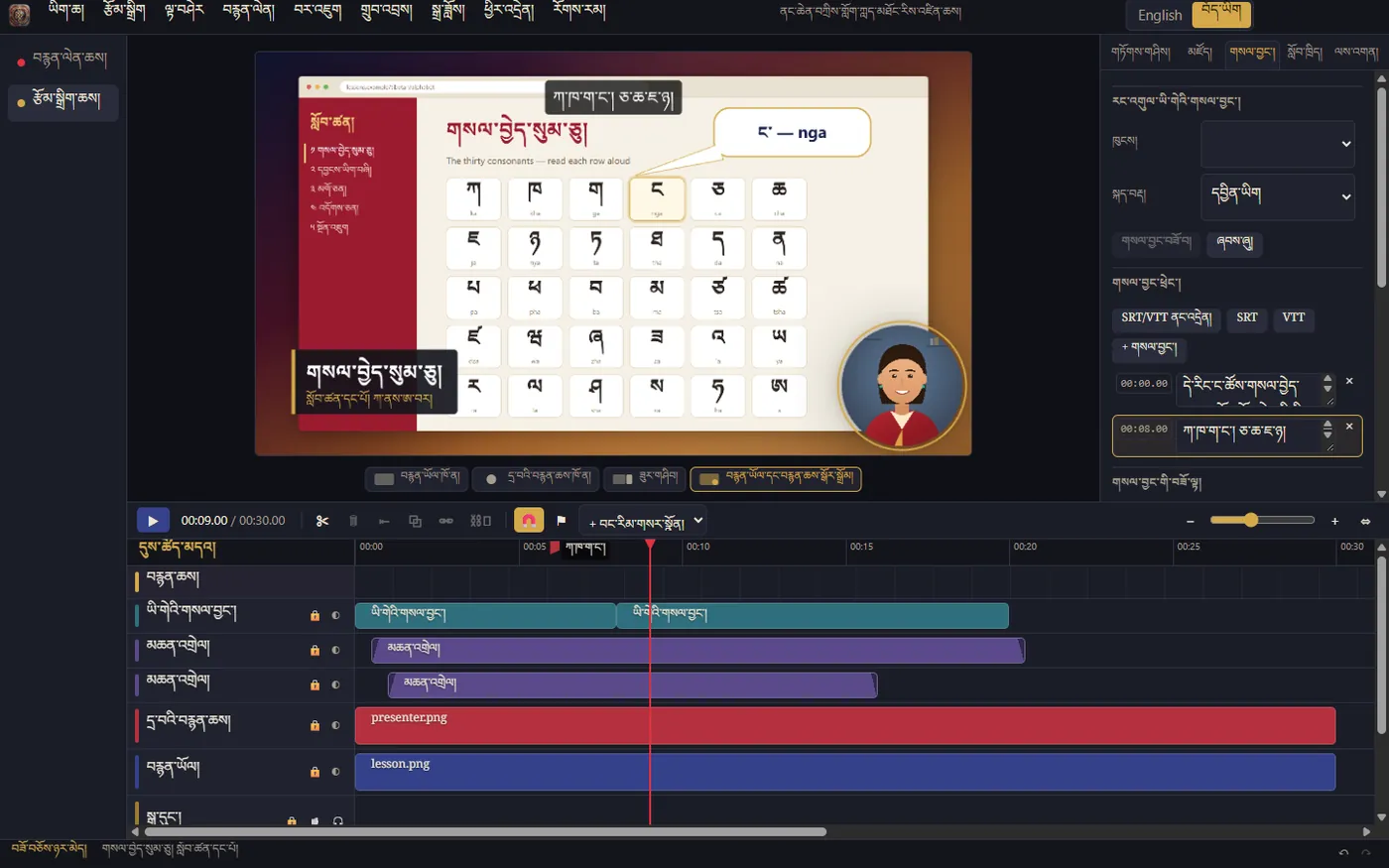
Trim, split, move, link, mute and solo every lane. Add automatic zoom, cursor effects, styled frames and backgrounds, callouts, highlights, blur, transitions, title templates, captions, quizzes and chapters. The webcam bubble comes in 7 shapes, 5 proportions, 9 border styles and 15 one-click looks, with skin smoothing and colour sliders.
Which formats can I export?
expand_more
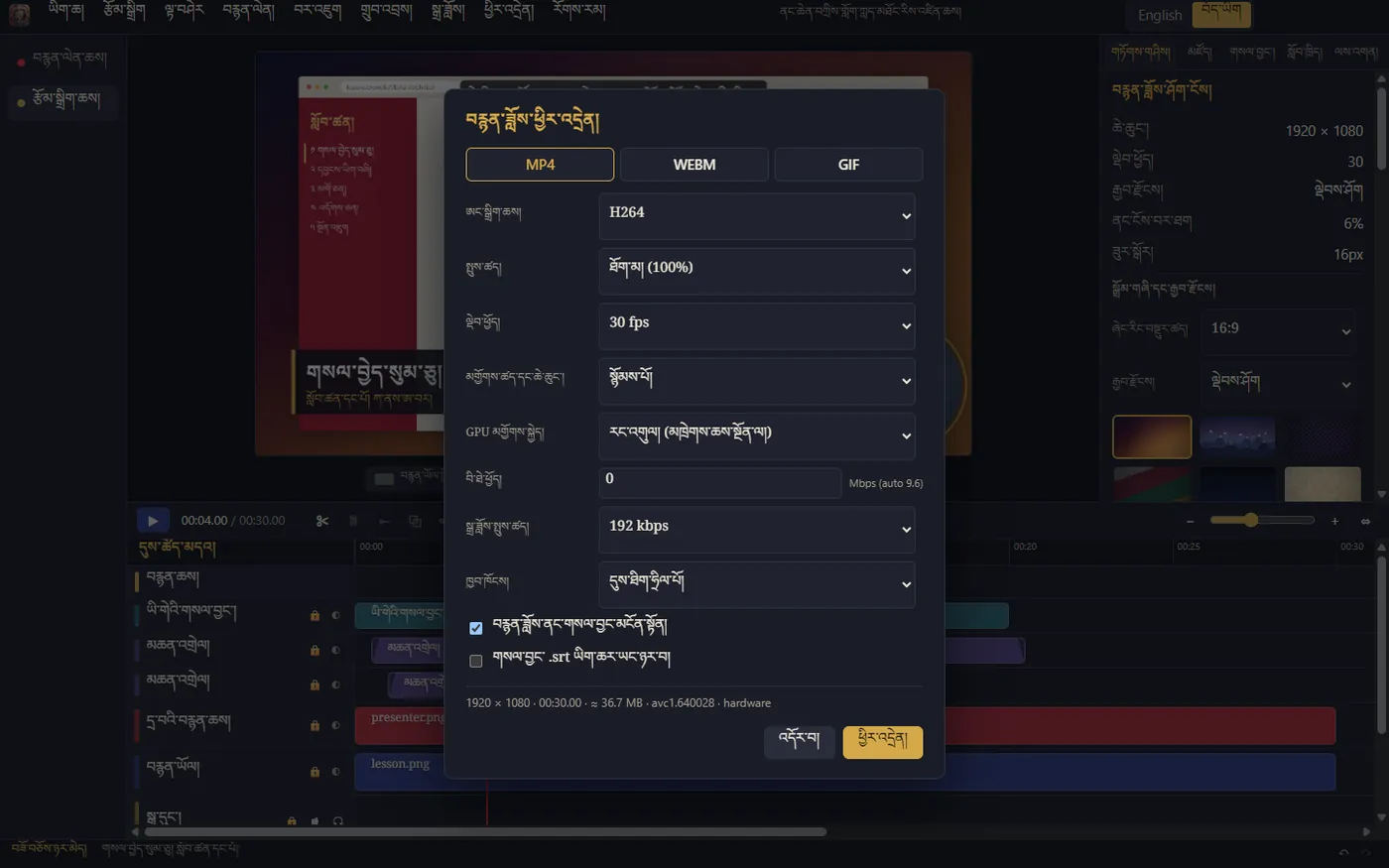
MP4 (H.264, HEVC or AV1), WebM, GIF, and audio as MP3, WAV or M4A. You can also export every lane as its own file, export just a selected range, and burn captions into the video or save them as an .srt file.
Does it work in Tibetan?
expand_more
Yes. Every screen, menu and message is available in Tibetan and in English, and you can switch with the language switch at the top right. The app includes free Tibetan fonts (Noto Serif Tibetan, Jomolhari and Uchen) so text looks right on every computer, and you can also pick any font installed on your computer. Tibetan terms come from the English–Tibetan–Chinese Information Technology Dictionary.
Which computers does it run on?
expand_more
Windows 10 and 11, and macOS on Macs with an M chip or an Intel chip. Download the file for your computer; Mac users can check with Apple menu → About This Mac.
Why does Windows or macOS warn me when I open it?
expand_more
The app is signed and notarized on Mac, so it opens normally there. On Windows it is not code-signed yet, so Windows asks you to confirm once: click More info, then Run anyway. After that it opens normally.
Why do I see a red Accessibility message on my Mac?
expand_more
The app needs this permission to record your clicks and keyboard shortcuts. Follow these steps:
- Click Open System Settings beside the red message.
- Open Privacy & Security → Accessibility.
- Turn on Nangchen T. Studio Screen Recorder. If it’s missing, click + and select it from Applications.
- Fully quit the recorder with ⌘Q, then reopen it.
What is the Mac portable version?
expand_more
The portable version is for Mac. It is the same app, ready to run without being installed. Download the .zip for your Mac, unzip it, put the app in any folder or on an external drive, and double-click it. Recordings and settings are saved on the Mac you are using. On Windows, use the normal installer.
See the portable downloads and steps.
Where are my recordings saved?
expand_more
In your Videos folder, in a folder named Nangchen T. Studio Screen Recorder, with one folder per recording. Exports go in an Exports folder inside it. Uninstalling the app never deletes your recordings, exports or projects.
Is my recording sent anywhere?
expand_more
Recording and editing happen on your computer. Only the optional auto-captions feature sends audio to an online speech-to-text service, and only when you use it.