Tibetan
Design
A completely free image editor with Photoshop-style tools and a Tibetan interface. Edit photos, make posters and add beautiful Tibetan text, with layers, masks, brushes and PSD support.
Version 0.8.2 · Windows · Free forever
Photoshop-style Tools, in Your Language
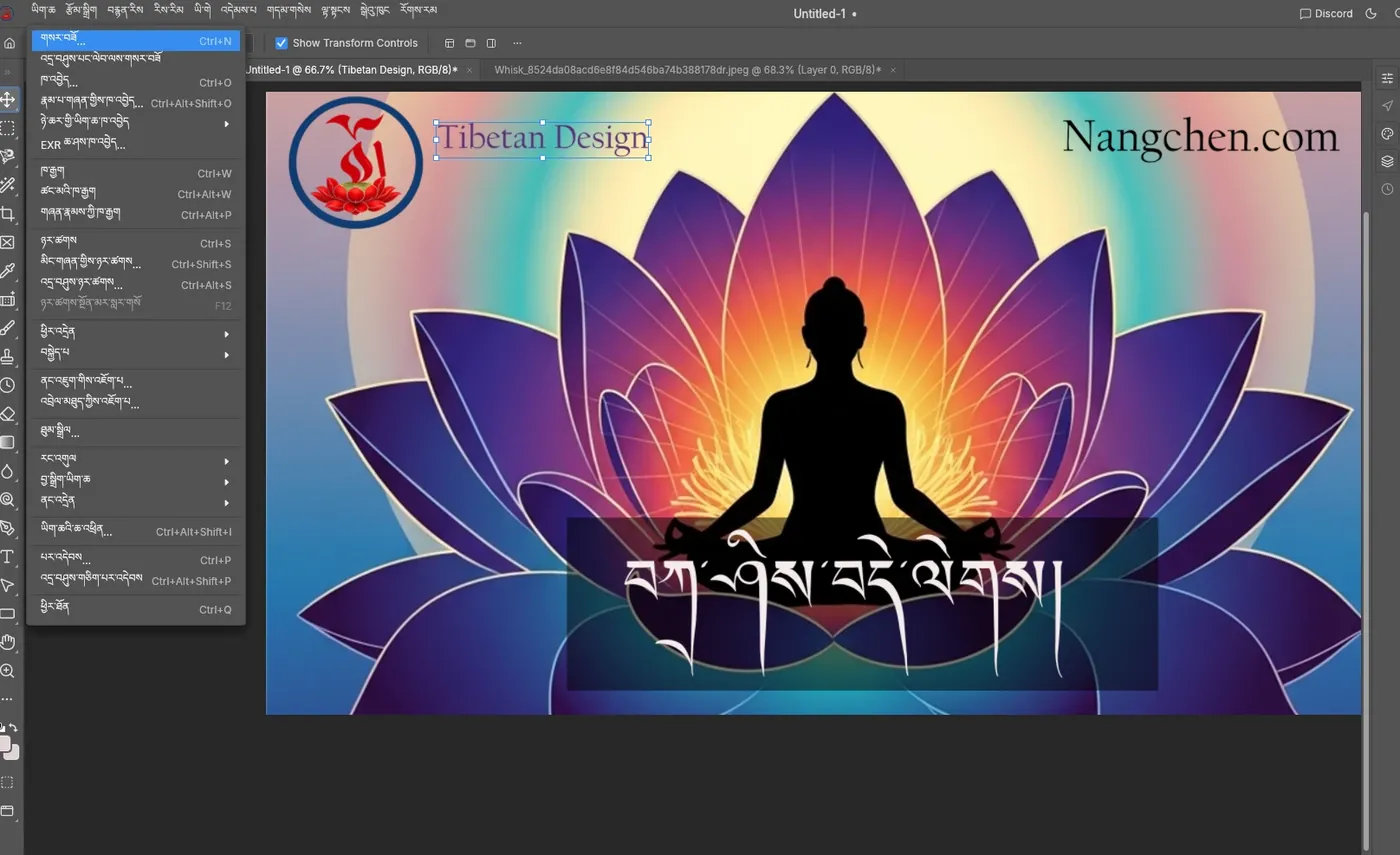
Tibetan Design brings familiar image-editing tools to Tibetan-speaking users. Edit photos, combine images, create posters, and add Tibetan or English text using layers, masks, selections, brushes and image adjustments.
To switch the interface, go to Edit → Language → Tibetan. You can move between Tibetan and English while you work.
Based on the open-source PhotoCraft editor, it is a free creative workspace for students, teachers, artists and anyone producing Tibetan visual content.
Everything You Need to Create
Layers, Masks & Selections
The familiar Photoshop-style workflow: stack layers, mask them, make precise selections and combine images into one design.
Tibetan Interface
Switch with Edit, Language, Tibetan. Menus and tools are translated, and you can flip back to English any time.
Tibetan Text & Fonts
Proper Tibetan text rendering with compatible fonts and live font previews to help you choose a style.
Tibetan Layer Names
Give your layers and documents Tibetan names, so the whole project stays in your language.
Brushes & Adjustments
Paint, retouch and adjust photos with brushes and image adjustments for posters, flyers and social posts.
PSD & .pcraft Files
Open Photoshop PSD files and save editable projects in the native .pcraft format.
Download & Install in a Minute
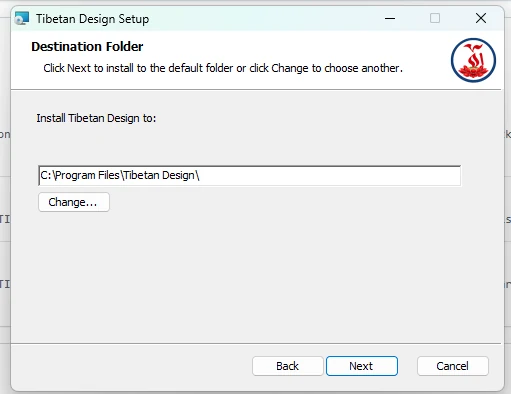
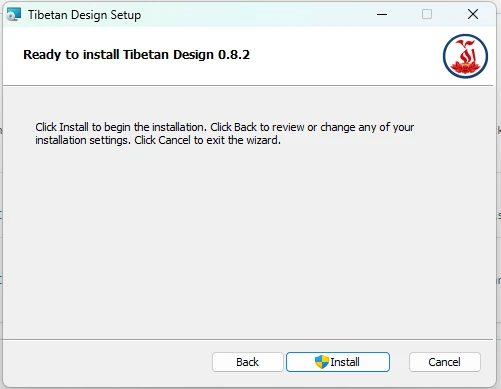
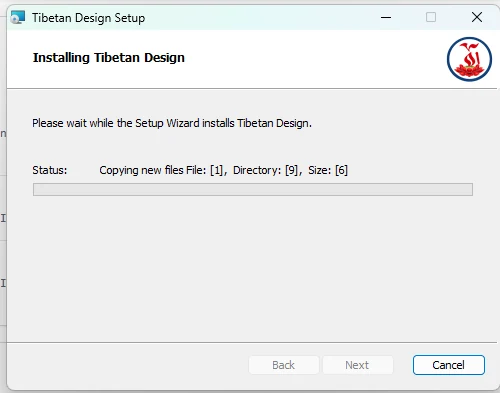
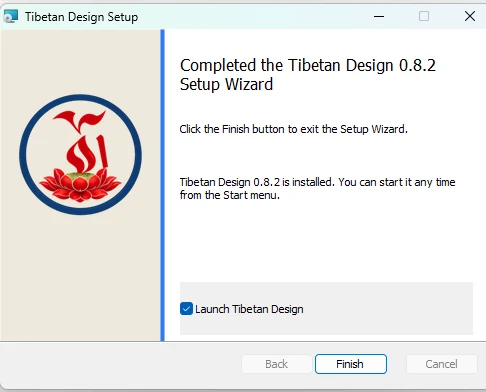
Download the zip file, extract it, then run the setup file and follow the five steps below. Tap any screenshot to enlarge it.
Free download forWindows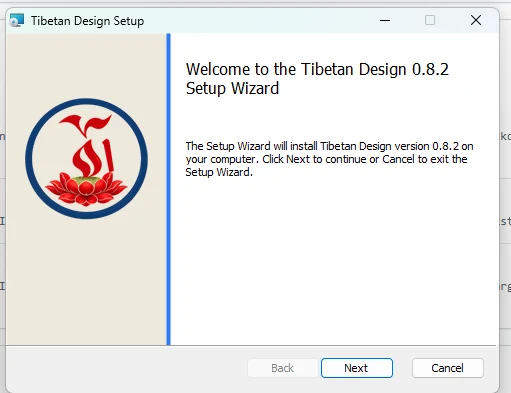
Support My Projects
Tibetan Design and all of my apps are made to help Tibetan language and culture thrive. If they have been useful to you, a small donation helps me keep building free tools for the community. Thank you!
Donate with PayPalDonations are processed securely by PayPal and are entirely optional.